Phone photos add up fast. It is easy to reach a point where your library feels too big to manage. I started a simple routine that keeps the work small. Each day I open my Photos app and search for that day’s date. I type the month and day without the year. For example, September 2.
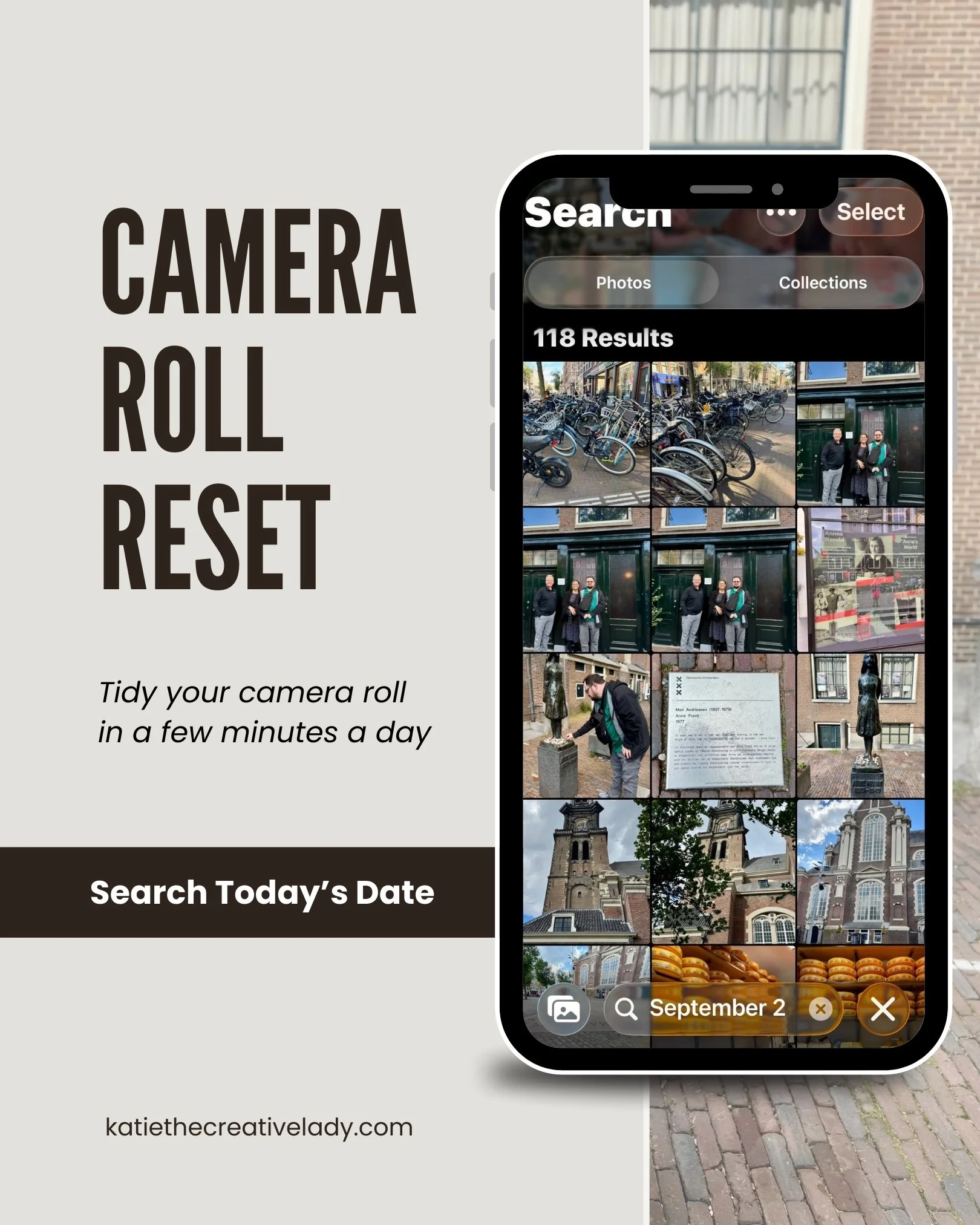
The Photos app shows every photo I took on that date in past years. This year, we were in Amsterdam on that date, so I have a lot of photos to sort through. I scroll through each one. I keep the photos I want and delete anything that doesn’t matter. The review takes only a few minutes. If I keep going each day, I’ll work through my full library in a year. Sometimes, if I run into a really light day, I work ahead a few days. Most of the time, I keep it as a daily practice so I don’t fall out of sync by missing a few days.
This habit has helped me stay organized. It also gives me a quick look at how life changes from year to year. These short moments feel like small memory check-ins, and it’s one of my favorite tasks!
How to use the daily date method
Open your Photos app.
Type today’s date into the search bar.
Scroll through the photos from past years.
Keep the images you want to save.
Delete the images you no longer need.
Repeat each day.
This routine stays short. It reduces clutter over time. It keeps your whole library moving in the right direction.
If you’re curious about the wisdom behind this daily‑date method, here are some great articles that echo the same principle:
Dan’s Advice has a 2025 guide to organizing phone photos that emphasizes simple, stress‑free strategies like deleting duplicates, using albums, and setting up a routine cleanup—sounds a lot like my daily date habit in bigger chunks.
Abby Murphy talks about how carving out regular calendar time for organizing your digital photos—say, 10–15 minutes a week or month—really helps build consistency. That’s basically my “search today’s date” ritual.
And The Iris Works has an “Ultimate Guide” suggesting regular sorting sessions, using folders or software to batch things by year or event, plus tagging and backups to keep everything organized.
Happy sorting (one day at a time)!