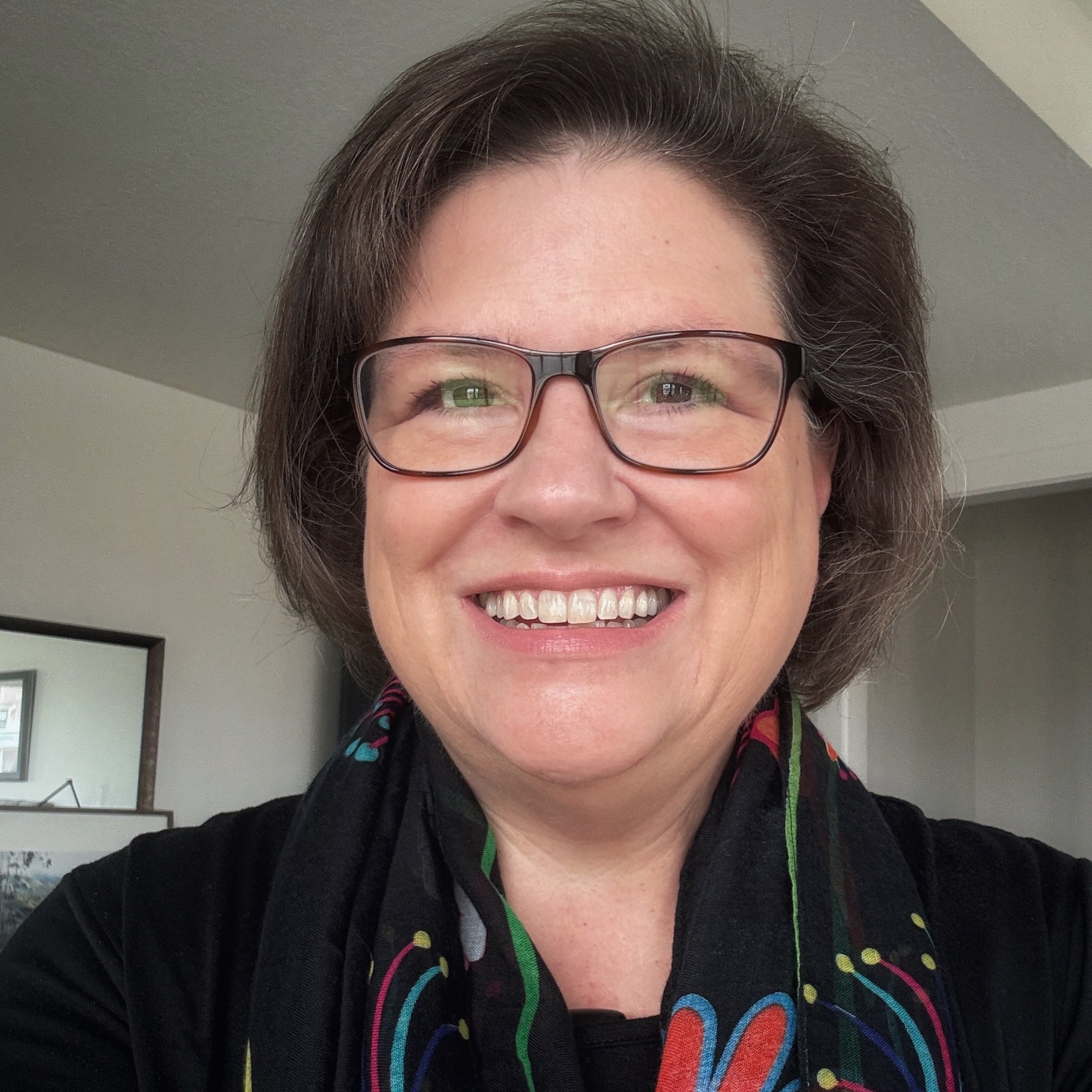
You’ve probably seen the templates that I have designed for digital scrapbooking. I use them all the time for scrapbook layouts, but I was so excited when my daughter Riley used one to create a vision board for her 2021 goals.

From Riley: My word for the year is steps.
I want to take steps to be healthier (eating better, exercising, and taking care of myself). I want to be better about making my record. I am going to take steps to be better about updating my life account. I want to take steps to create more! And I want to master the art of giving baths to my dog Piper.
She used papers from the Setting Goals paper pack, the #GOALS card from the Setting Goals Pocket Cards, and a template from the Setting Goals template set. Then she found images from sites like Unsplash to use for her vision photos. Isn’t it fabulous? I love it so much!
I’ve created digital vision boards in the past, but it was a long time ago. She helped me look at my templates in a new light. I think most of them would work for vision boards, but I went through and picked the ones that I think would be the easiest to use for this type of project.
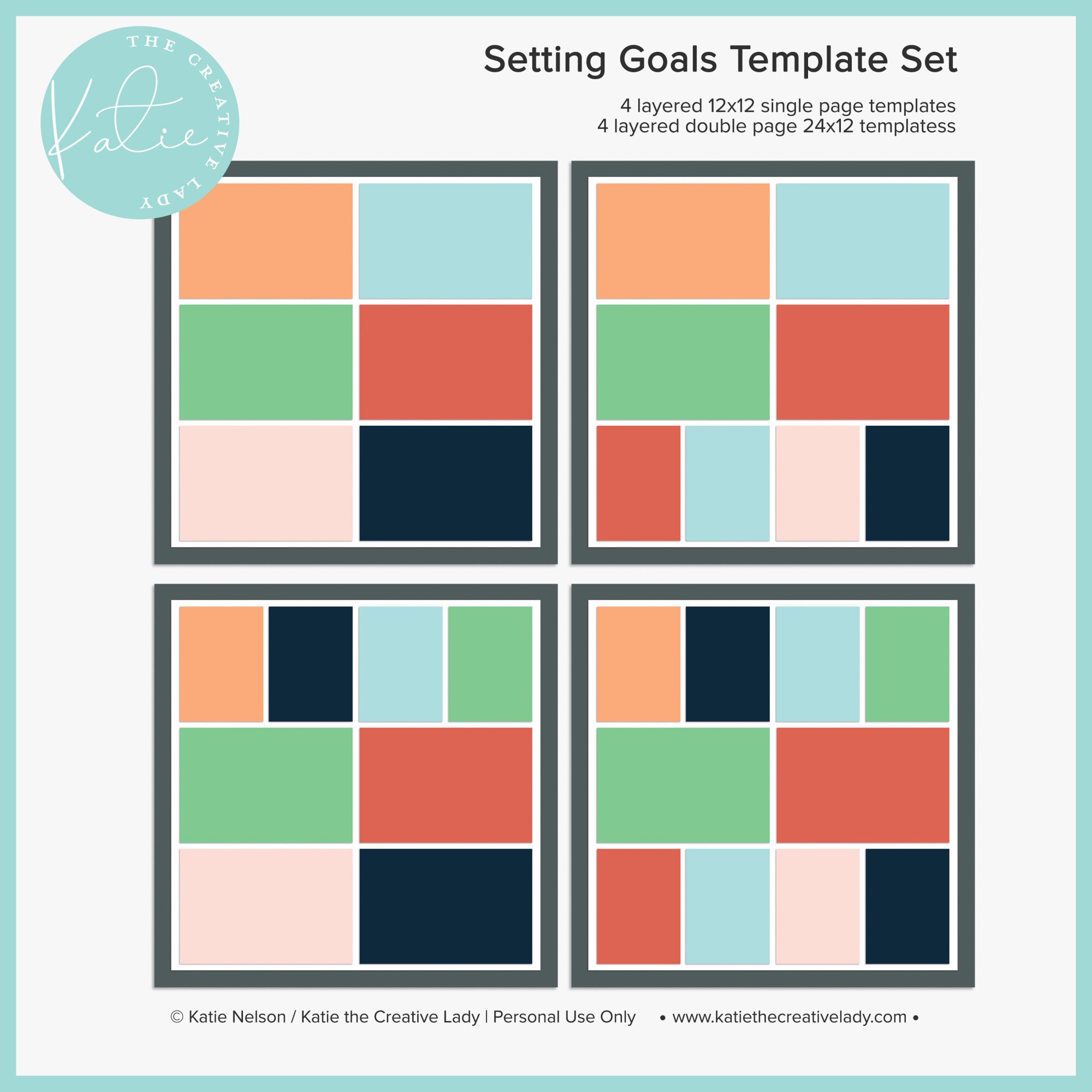
One of my favorite things to do is to design layered templates to use over and over. This set of templates will help you take the guesswork out of placement. I design all of my templates with enough border space to allow for printing bleed.
While these templates are versatile enough for any subject, you might enjoy the coordinating designs from my Setting Goals sets of pocket cards, papers, and stamps. You can also purchase the money-saving bundle here.
This set includes:
4 single page 12 layered templates in either TIFF or PSD format
4 double-page 24x12 layered templates in either TIFF or PSD format
Please note: For personal use only. This is a downloadable product and no physical product will be sent to you.
I feel like all of the templates in this set would work really well for vision board designs.
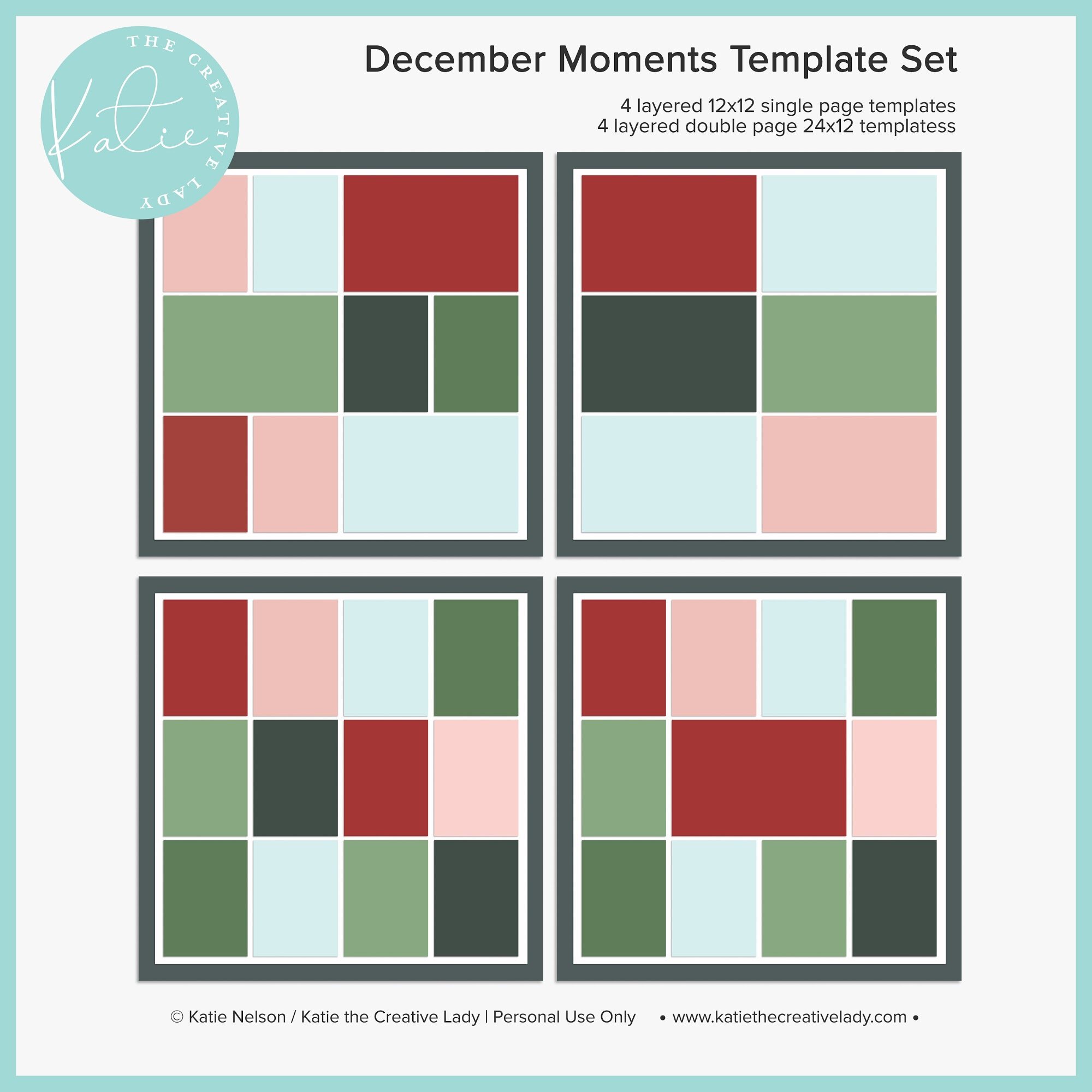
One of my favorite things to do is to design layered templates to use over and over. This set of templates will help you take the guesswork out of placement. I design all of my templates with enough border space to allow for printing bleed.
While these templates are versatile enough for any subject, you might enjoy the coordinating designs from my December Moments collection of pocket cards, papers, stamps, and printables. Also available in a money-saving bundle.
This set includes:
4 single page 12 layered templates in either TIFF or PSD format
4 double-page 24x12 layered templates in either TIFF or PSD format
Please note: For personal use only. This is a downloadable product and no physical product will be sent to you.
This is another set where all of the layouts would be great for vision boards. I like that this set has room for a few papers around the edge, or keeping the center paper plain white for a clean look.
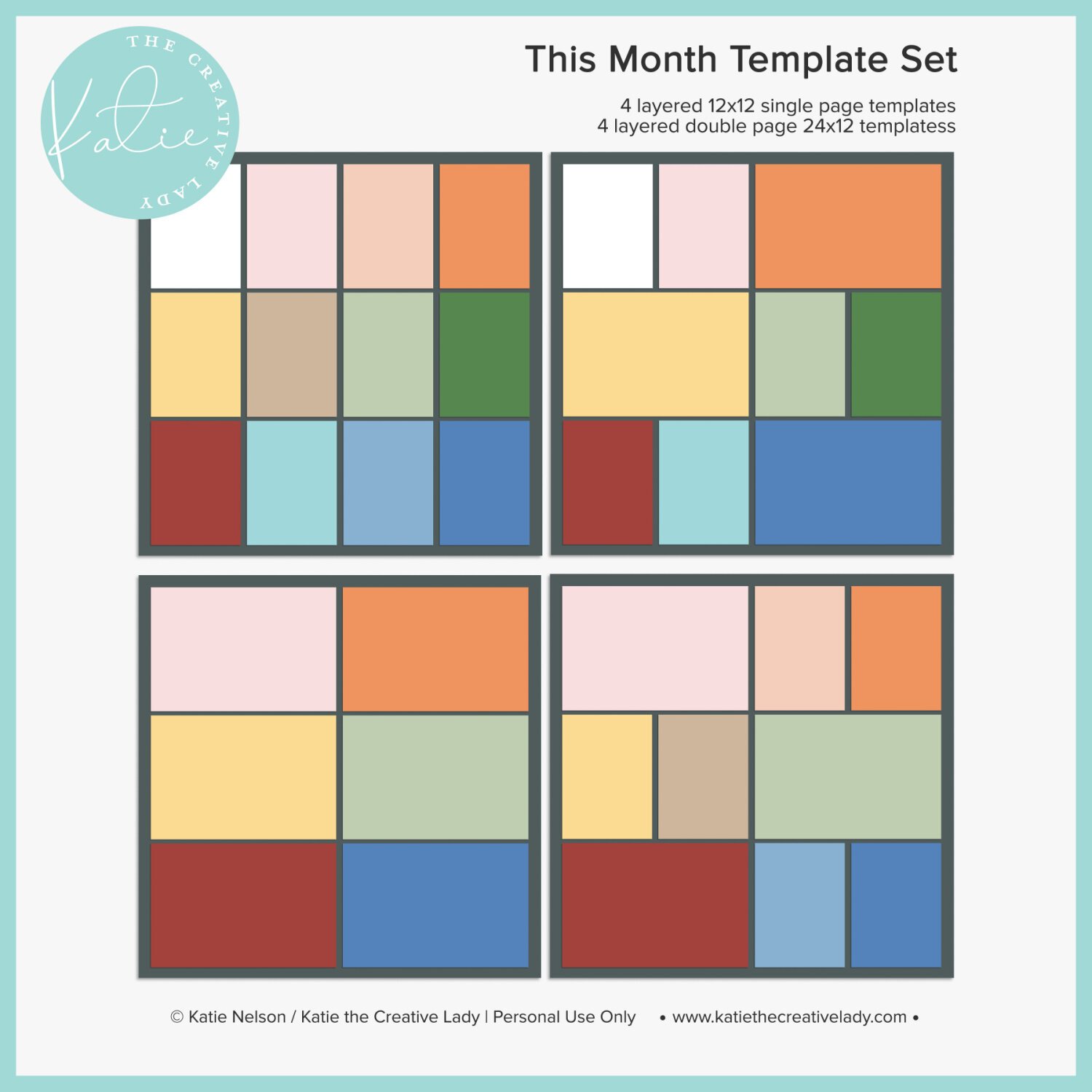
I love pocket scrapbooking (using pocket cards and photos in linear layouts) and these templates will help you take the guesswork out of placement. I design all of my templates with enough border space to allow for printing bleed. I have used these templates so many times and they always look great! These designs are similar to my retired Segments template set but they have better border allotments.
While these templates are versatile enough for any subject, you might enjoy the coordinating designs from my This Month Collection of cards, stamps, and calendars as well.
This set includes:
4 single page 12 layered templates in either TIFF or PSD format
4 double-page 24x12 layered templates in either TIFF or PSD format
Please note: For personal use only. This is a downloadable product and no physical product will be sent to you.
This would be a great set to use if you want to highlight a certain image by making it larger. All of the layouts would work well for a vision board.
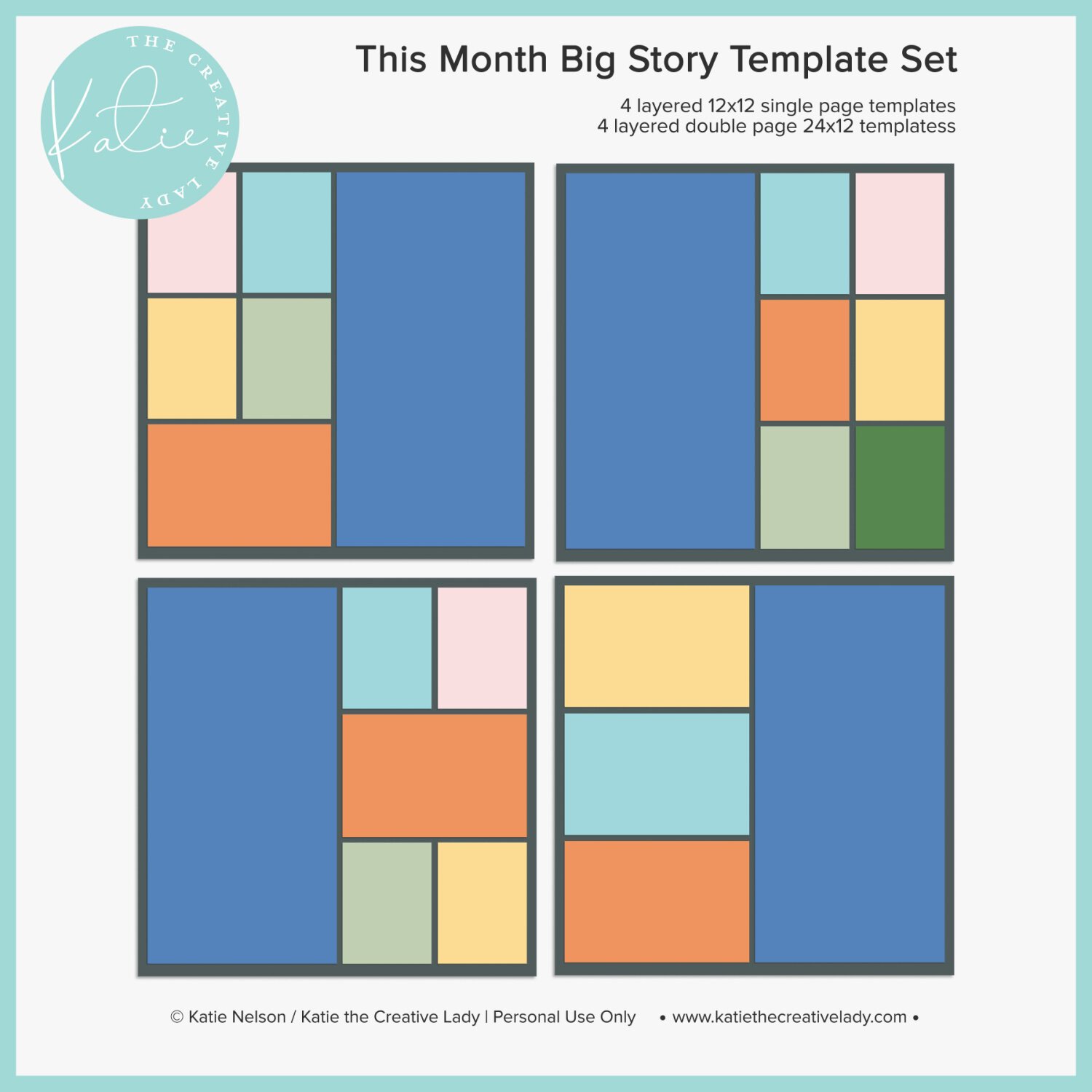
Sometimes you have a bigger story to tell and these templates will help you get the job done in style. Whether it’s a stunning photo or a large block of journaling, the impact will be BIG when you use these stylish designs. I love big stories paired with lots of smaller photos and pocket cards. This is the format I’ve been using for my monthly roundups this year and it’s been so helpful!
This set includes:
4 single page 12 layered templates in either TIFF or PSD format
4 double-page 24x12 layered templates in either TIFF or PSD format
Please note: For personal use only. This is a downloadable product and no physical product will be sent to you.
This template set is great when you want the page to be fully filled with photos. All of these layouts would work great for a vision board.
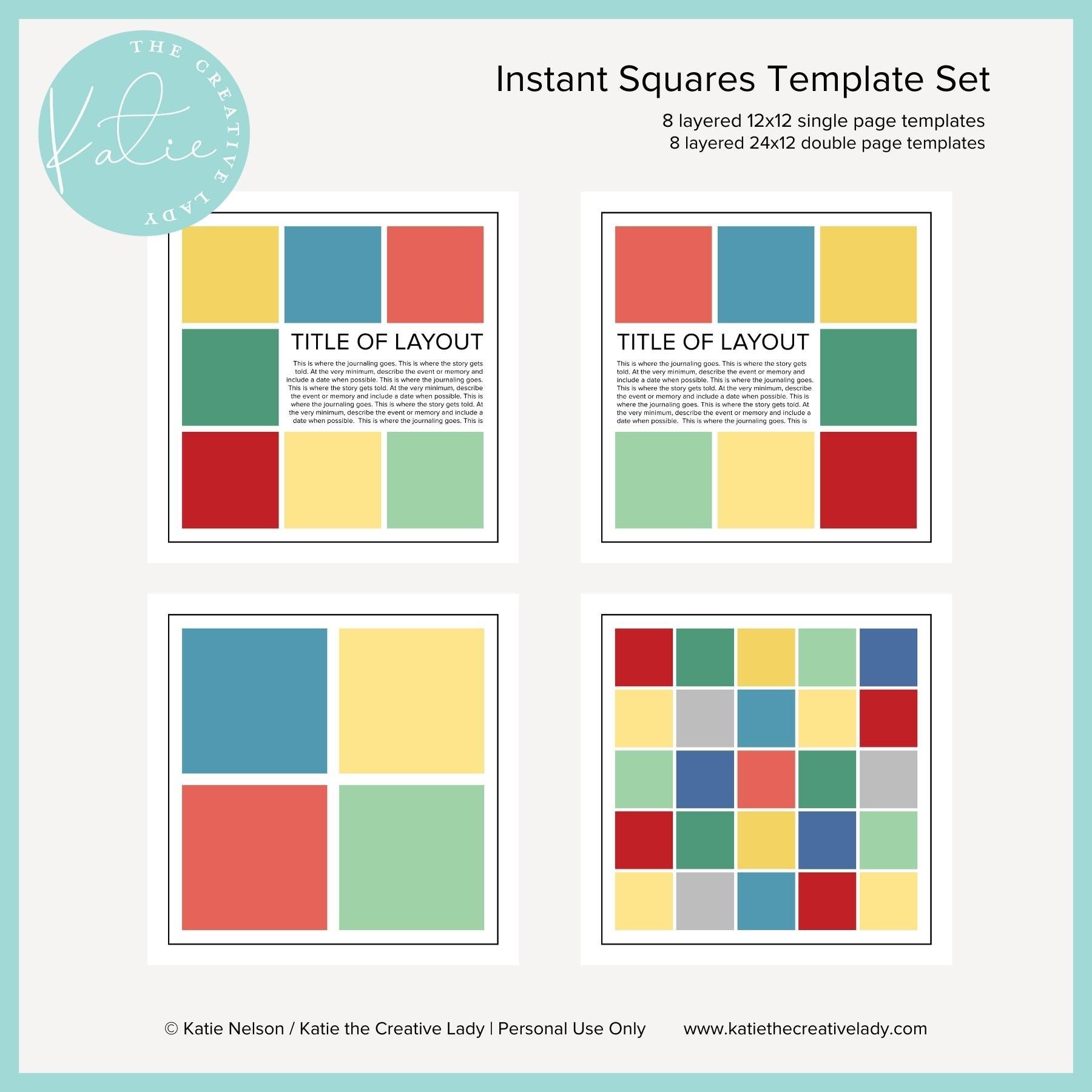
An extra big set of templates with lots of squares for all of those instant memories. These were designed with a clean and simple look to let your photos shine.
This set includes:
8 single page 12 layered templates in either TIFF or PSD format
8 double-page 24x12 layered templates in either TIFF or PSD format
Please note: For personal use only. This is a downloadable product and no physical product will be sent to you.
I decided to follow her example and create my own vision board to go along with my word for the year of JOY. I chose a template from the This Month template pack.

Supplies used: This Month template from my shop, pocket cards from Ali Edwards and In a Creative Bubble, and photos from unsplash.com. I found the Pixar image on the internet.
I would love to encourage you to create your own vision board. If you don’t know how to use a digital template, be sure to check out my YouTube tutorial here. I’m also going to share mine on my Instagram account today and use the hashtags #visionboard #visionboards #digitalvisionboard #2021visionboard #onelittleword so feel free to include those on your own post if you decide to share on social media. You never know, you may even inspire someone else!